

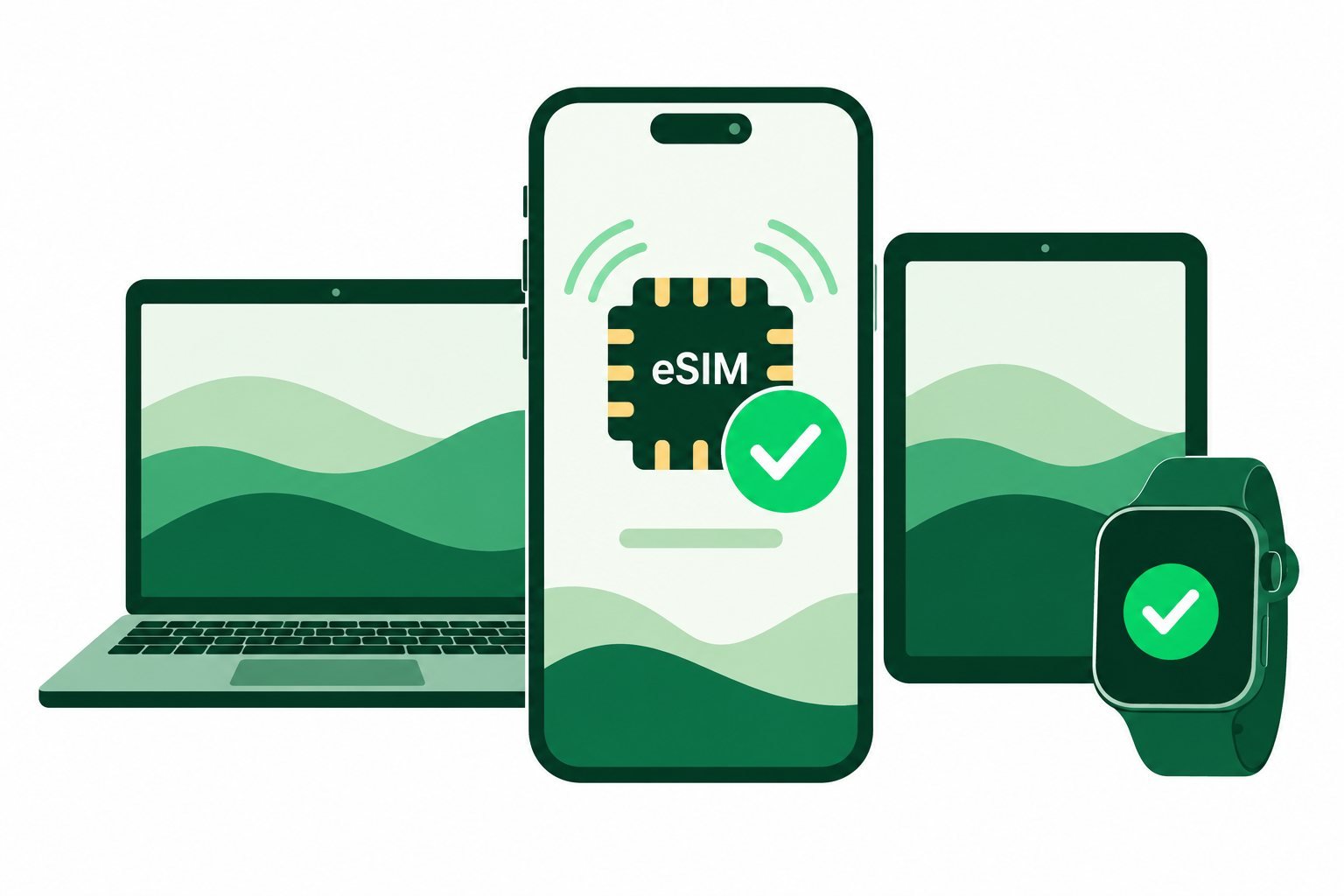
Does my phone support eSIM? The reliable answer comes from your exact model and regional version, not just the brand name. Check the manufacturer’s specification and your phone’s SIM settings before purchasing a package.
Find your exact model first
Open the About section in Settings and note the model number. A marketing name can cover versions sold in different countries, with different SIM configurations. A used or imported handset deserves the same check as a new phone.
Look up that model on the manufacturer’s official support or specifications page. An online compatibility list is a useful starting point, but it can become outdated or overlook regional exceptions.
Look for an eSIM setting
- iPhone: look under Cellular or Mobile Service for Add eSIM.
- Samsung: open Connections → SIM manager and look for Add eSIM.
- Google Pixel: open Network & internet → SIMs and look for an eSIM setup option.
Menu wording varies. An EID in device information can also be a useful clue, but confirm with the manufacturer if the setting is missing or restricted. Do not publish your EID or IMEI in a public comment.
Check whether your phone is unlocked
eSIM support and network unlocking are separate checks. A phone may support digital SIMs but still be restricted to its original carrier. Contact that carrier if you are unsure whether another provider can be added.
On iPhone, Apple describes checking Settings → General → About → Carrier Lock. “No SIM restrictions” indicates it is unlocked. Other manufacturers and carriers may provide a different way to check.
Confirm the plan and active-line limits
A compatible phone still needs a plan covering the destination. Also check how many lines can be active together. The number of stored profiles does not necessarily equal the number of simultaneous connections.
If everything matches, use the iPhone, Android or Samsung setup guide. If it does not, consider a supported device or another connection method before paying. Repeatedly buying QR codes will not fix a hardware or carrier restriction.
Common questions
Does 5G mean a phone supports eSIM?
No. 5G capability and eSIM capability are separate device features.
Can an app make an unsupported phone support eSIM?
A normal app cannot add missing built-in eSIM hardware. Check supported options with your manufacturer.
Sources & guide notes
Checked 18 October 2026. Apple device and unlocking requirements · Google eSIM setup · Samsung device guidance
Published by Teliny. Product availability and settings can change. Follow the instructions for your exact device and selected package. Third-party names identify the products discussed and do not imply endorsement.