

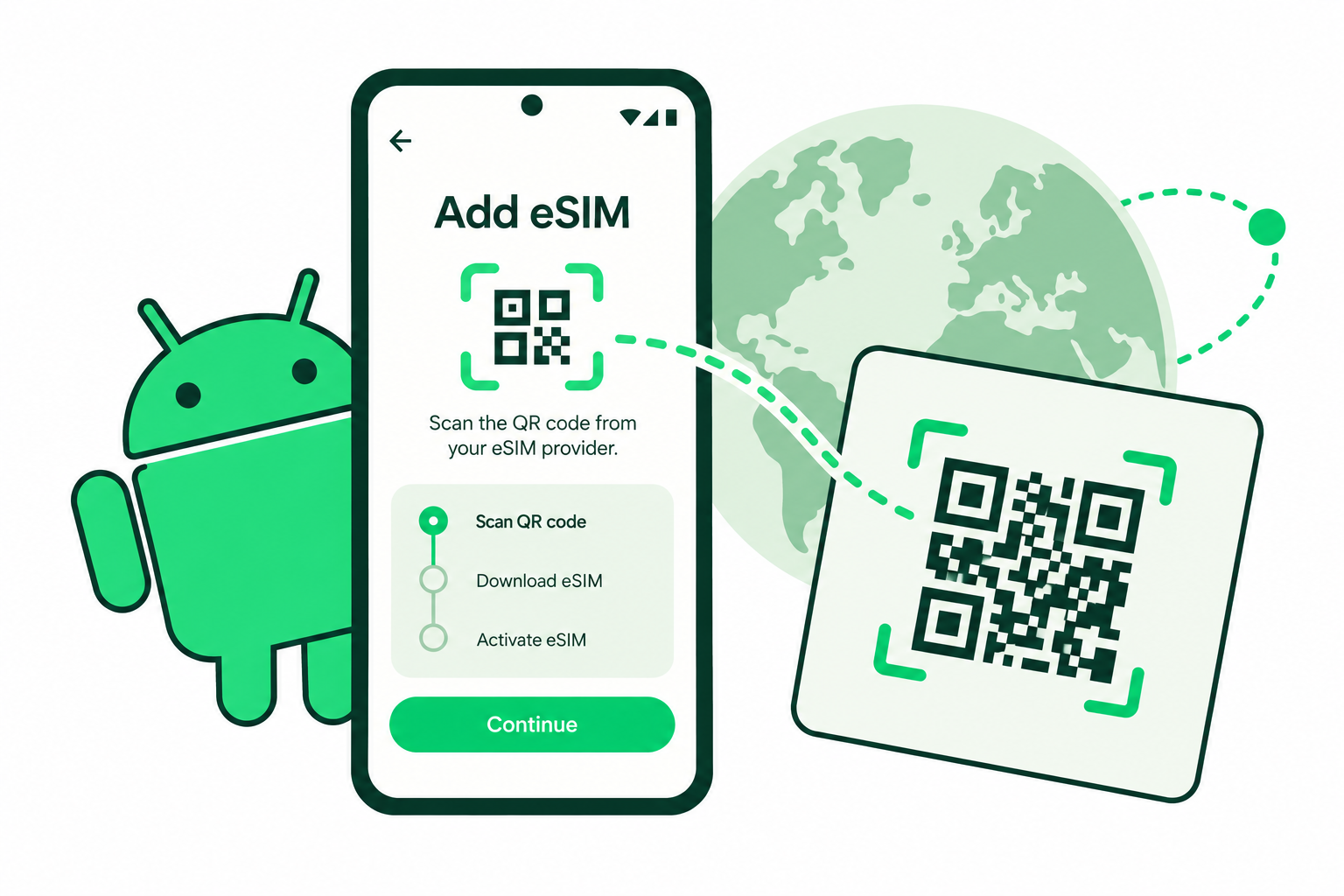
You can install eSIM on Android through your phone’s SIM settings on a compatible device. The exact route depends on the manufacturer, software and region, so start with the instructions supplied with your plan.
Before you install eSIM on Android
Confirm your exact model supports eSIM and can use another network. Connect to reliable Wi-Fi, keep your installation details ready and read when the package’s validity begins. A QR code cannot add eSIM hardware to an unsupported phone.
Open the order on another screen or have the provider’s manual details available. Keep the QR code private: it may be intended for only one installation.
Add an eSIM on Google Pixel
- Open Settings → Network & internet → SIMs.
- Choose Add SIM, then Set up an eSIM where offered.
- Follow the provider-selection and download prompts. If your provider supplies a QR code, use the scan option in that flow.
- Review the downloaded line and give it a clear label, such as Travel.
Older Android versions may use different labels. Follow your device’s prompts rather than transferring your home number when your goal is simply to add travel data.
Samsung and other Android phones
On supported Galaxy phones, the usual route is Settings → Connections → SIM manager → Add eSIM. Our Samsung eSIM guide covers that route separately. Other brands may place the option under Mobile network or SIM cards.
If no eSIM option appears, check the manufacturer’s support page for the exact model and country version. A software update may help supported devices, but it does not guarantee compatibility.
Choose the correct data line
Select your travel profile for mobile data. Follow its instructions for roaming and APN settings, and review automatic data switching so the phone does not use your home line unexpectedly. Calls and texts on the home SIM can still cost extra.
After arrival in a covered destination, switch off Wi-Fi briefly and load a small webpage. This checks mobile data rather than the hotel connection. If it fails, check validity, allowance and the selected line before contacting support.
Common questions
Should I delete an eSIM if setup fails?
Avoid deleting it as a first troubleshooting step. Some profiles cannot be installed again without help from the provider.
Does every Android phone support eSIM?
No. Compatibility depends on the exact model, region, software and carrier restrictions.
Sources & guide notes
Checked 18 October 2026. Google Pixel eSIM setup · Samsung SIM and eSIM guidance
Published by Teliny. Product availability and settings can change. Follow the instructions for your exact device and selected package. Third-party names identify the products discussed and do not imply endorsement.