

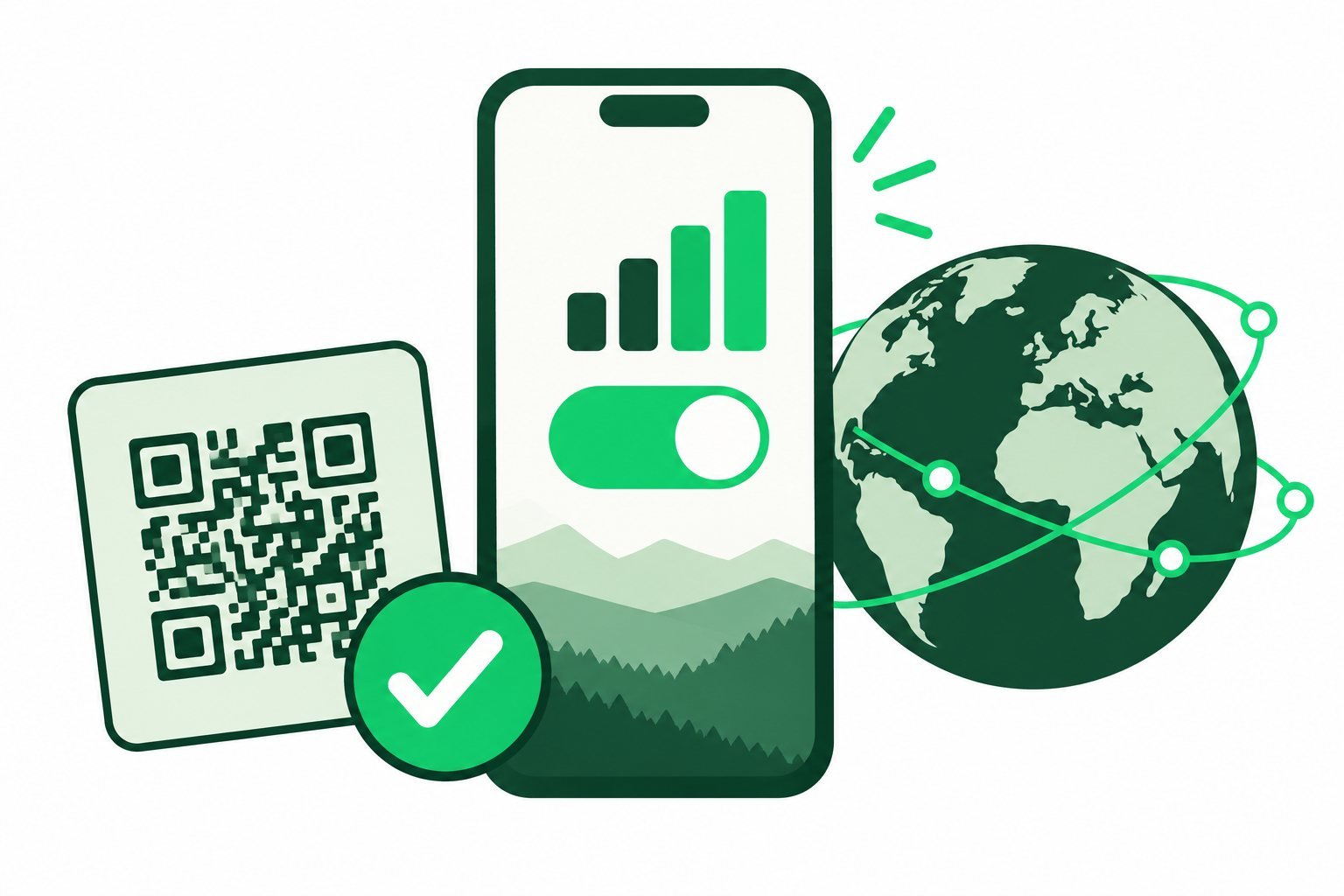
How to activate an eSIM depends on the package and phone. First install the profile using your provider’s instructions. Then enable the intended line and connect within the plan’s coverage area when its activation rules allow.
Read the start rule before setup
Installation, enabling a line and starting package validity are not always the same event. Check whether the package starts when installed, on first connection or at another stated time. Also look for an activation deadline after purchase.
This matters if you are buying early. A plan with a short validity period can be unsuitable if you trigger the countdown long before departure. Keep the order instructions accessible offline for arrival.
Install the profile on your phone
Use reliable Wi-Fi, confirm compatibility and follow the supplied QR-code or app method. Use manual entry only if your provider gives you the required details. Keep activation codes private.
For device-specific steps, read our iPhone installation guide, Android guide or Samsung guide. Avoid starting a number-transfer flow if you only want an additional travel connection.
Enable the travel connection
- Open the phone’s SIM or mobile-service settings.
- Enable the installed travel line if it should now be used.
- Select it for mobile data.
- Apply roaming or APN settings exactly as your package instructs.
- Review automatic data switching and the home line’s roaming settings.
Being outside the covered destination can explain why an installed profile has no service. Wait until the location and start conditions match the package before treating that as a fault.
Test the connection and resolve problems
At the covered destination, turn Wi-Fi off briefly and open a small webpage. If it loads, you are checking the mobile connection rather than an airport hotspot. Restore Wi-Fi afterwards if you prefer.
If it fails, check remaining allowance, expiry, signal and the selected data line. Restart the phone or toggle Airplane Mode if appropriate, then contact support with the exact error. Do not delete the profile without advice: a fresh installation may require provider assistance.
Common questions
Does activation always happen automatically?
No. The download method and start conditions vary by phone, provider and package.
Should I enable roaming on both lines?
Follow the travel package’s instructions for its line. Review the home line separately to avoid unintended charges.
Sources & guide notes
Checked 18 October 2026. Apple eSIM setup · Google setup instructions · Example validity policies
Published by Teliny. Product availability and settings can change. Follow the instructions for your exact device and selected package. Third-party names identify the products discussed and do not imply endorsement.