

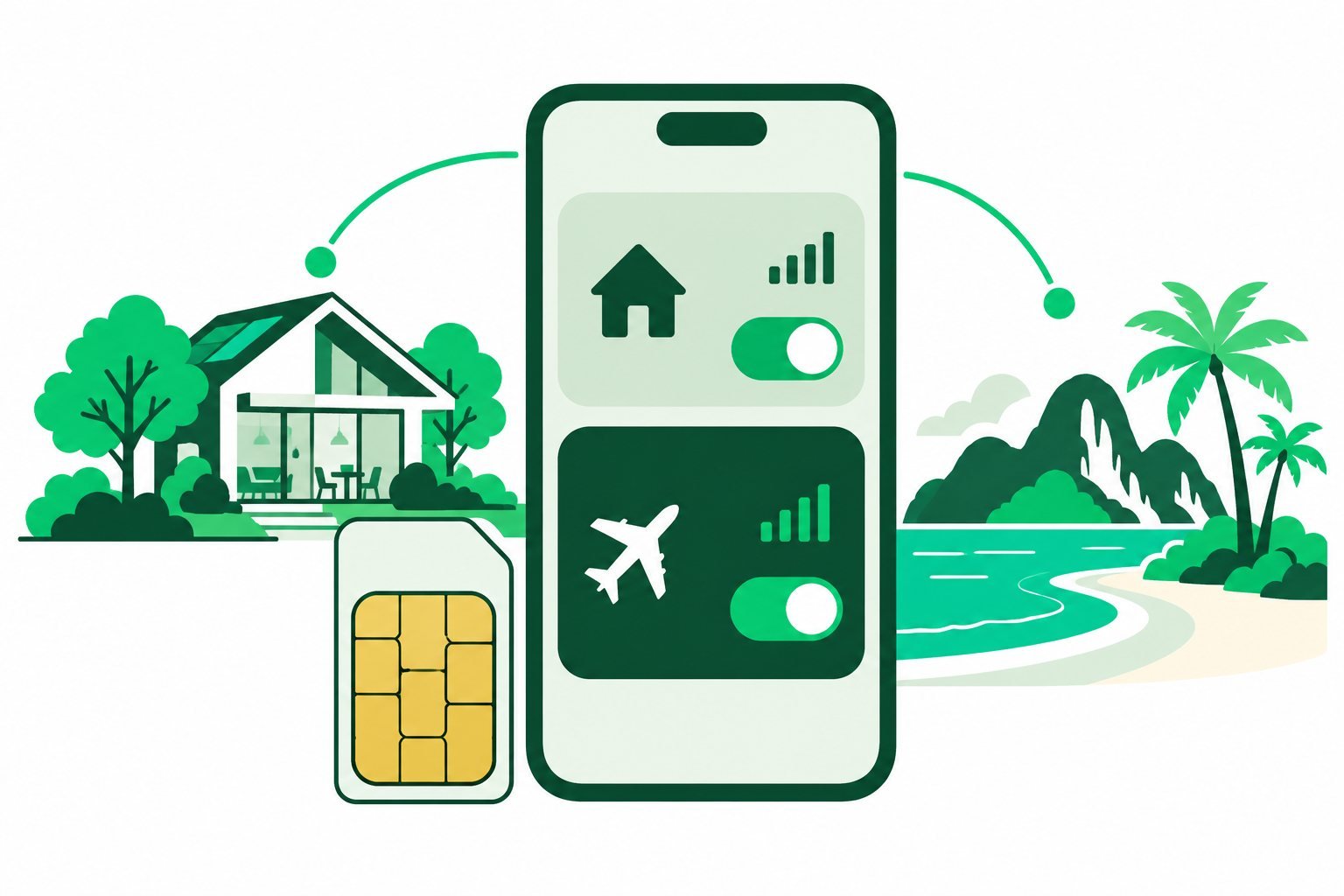
Yes, you can use eSIM and physical SIM together on many compatible dual-SIM phones. The supported combinations depend on the exact device and regional version. Set your mobile data and calling preferences deliberately before travelling.
Check your phone’s SIM combinations
A phone may store several eSIM profiles while allowing fewer lines to stay active. Some models support a physical SIM plus an eSIM; others offer two active eSIMs or a different arrangement. A SIM tray alone does not confirm every combination.
Check the manufacturer’s documentation for your exact model. Also confirm unlocking requirements if the home SIM and travel profile use different providers.
Give each line a clear job
A common arrangement is Home for the existing phone number and Travel for mobile data. Label the lines so they are easy to recognise. Select the data line and, where available, choose the preferred line for normal calls and messages.
A data-only travel eSIM does not automatically include a new number or cover voice and SMS charges on the home line. Internet calling apps use data, while ordinary mobile calls follow the selected carrier’s terms.
Review switching and roaming settings
- Choose the intended travel line for mobile data.
- Review automatic data switching or backup-data features.
- Follow the travel package’s roaming instructions.
- Check the home carrier’s charges for calls, messages and roaming.
Keeping the home line available can be useful, but it is not a guarantee of free incoming calls or texts. Ask your carrier about your specific plan and destination. Turning off home-line data roaming does not settle every voice-charge question.
Test before you rely on the setup
After arrival, briefly disconnect Wi-Fi and check that a small webpage loads through the intended data line. Review the selected calling line before making a normal mobile call. This is easier when the profiles have distinctive names.
When you return home, review the data preference again and disable an expired travel line if you no longer need it. Avoid deleting a reusable profile without checking. Read how WhatsApp works with an eSIM for messaging advice, or use our activation guide for setup checks.
Common questions
Will both SIMs use data at once?
Do not assume so. Data selection and switching behaviour depend on the device and settings.
Do I have to remove my home SIM?
Usually not for a supported physical-SIM-plus-eSIM arrangement. Confirm the exact model’s requirements.
Sources & guide notes
Checked 18 October 2026. Google Pixel dual-SIM guidance · Apple travel eSIM guidance
Published by Teliny. Product availability and settings can change. Follow the instructions for your exact device and selected package. Third-party names identify the products discussed and do not imply endorsement.