

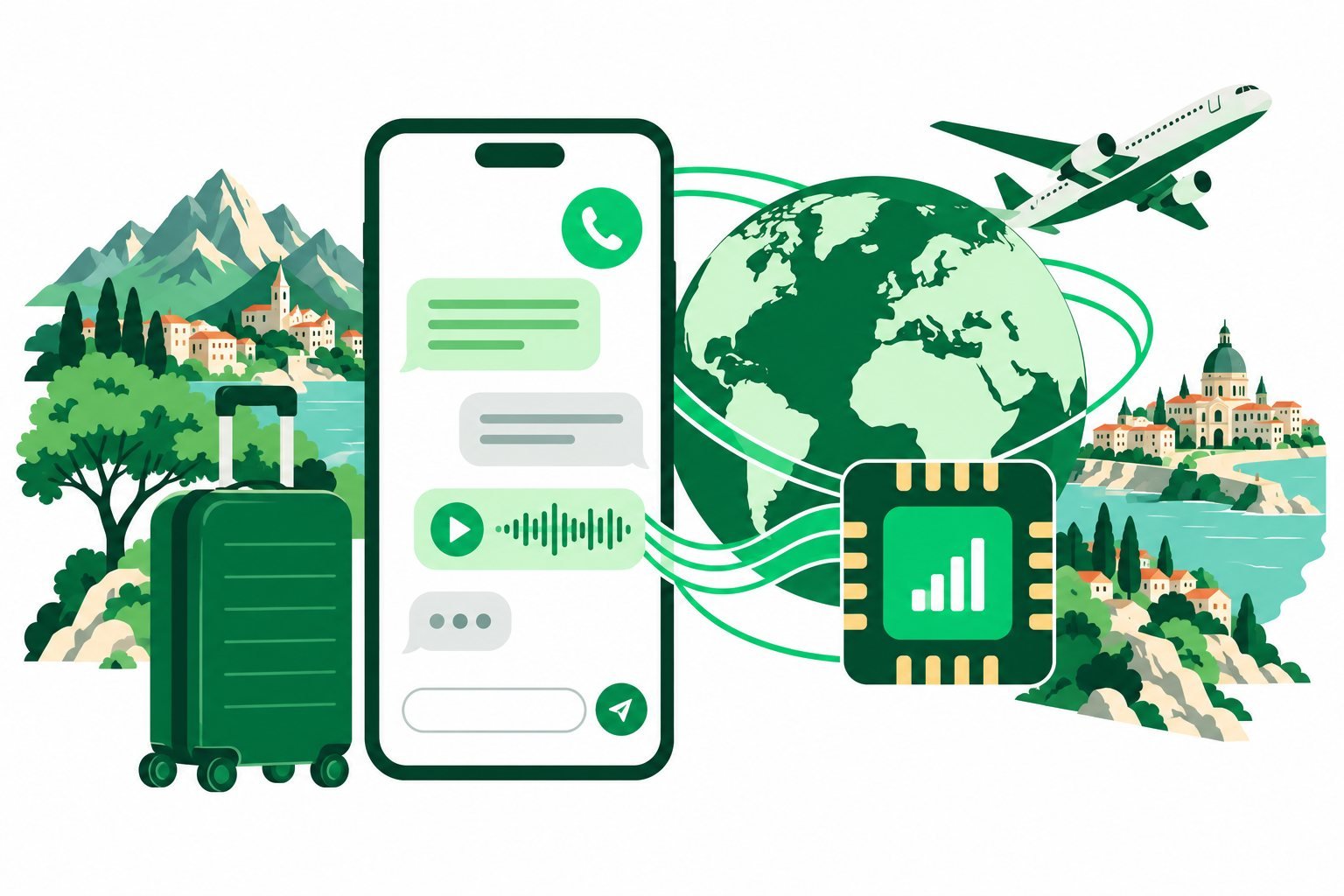
Yes, you can use WhatsApp with an eSIM that provides a working internet connection. Adding a travel data plan does not automatically change the phone number registered to your WhatsApp account.
Your account number and data connection are separate
WhatsApp uses internet access for messages and app calls. That connection can come from Wi-Fi or the mobile data line you select. The number registered to your account does not have to be supplied by the travel data package.
If you want to keep the same account, do not use WhatsApp’s Change Number feature simply because you installed an eSIM. A data-only package may not provide a new number at all.
Set up travel data for WhatsApp
- Install your travel profile using the provider’s instructions.
- Select it as the mobile data line on your phone.
- Review roaming and automatic data switching settings.
- At a covered destination, test a message with Wi-Fi temporarily off.
Check that mobile data is allowed for WhatsApp in the phone’s app settings. If other websites load but the app does not, review app permissions, service availability and any local network restrictions.
Keep verification access in mind
If WhatsApp asks you to register again, you may need access to the number on the account to complete verification. Keep that in mind before cancelling your home service, changing phones or reinstalling the app during a trip.
Do not share verification codes with anyone. A working data eSIM is useful for connectivity, but it does not automatically give you access to SMS or voice verification for another number.
Manage data and ordinary call charges
Video calls and automatic media downloads can use more data than short text messages. Review media download preferences and use Wi-Fi for large backups. Keep an eye on the package balance during a limited trial.
A normal mobile call made through the phone dialler is different from a WhatsApp call. If your home SIM remains enabled, your carrier’s charges may still apply to its activity. Read our dual-SIM guide before travelling.
Choose a data plan for your destination based on how you communicate. A travel package supplies connectivity; it cannot guarantee that an app or internet calling service is available in every country.
Common questions
Will my contacts see a new WhatsApp number?
Simply changing the internet connection does not change your registered account number.
Can a data-only eSIM receive my WhatsApp verification SMS?
Do not assume so. Verification must reach the registered number through a supported method.
Sources & guide notes
Checked 18 October 2026. WhatsApp guidance on roaming and travel · Apple travel line guidance
Published by Teliny. Product availability and settings can change. Follow the instructions for your exact device and selected package. Third-party names identify the products discussed and do not imply endorsement.