

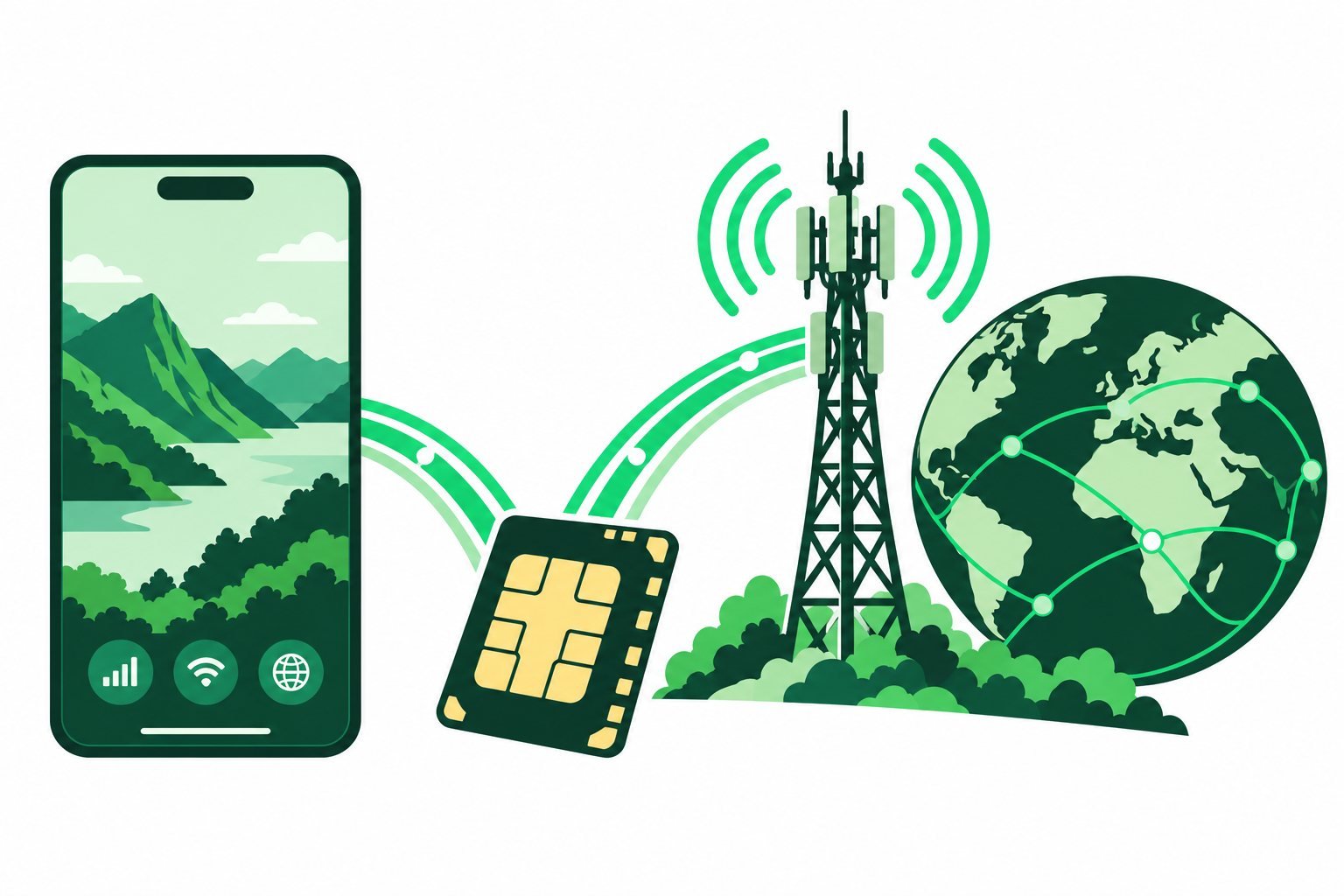
How does an eSIM work? Your compatible phone downloads a digital mobile profile, then uses it to identify your subscription to a supported network. The profile replaces the need to insert a new physical SIM card.
A digital profile identifies your subscription
Think of the eSIM profile as the information that lets the network recognise the mobile service you have arranged. It is not the internet itself. You still need an active plan, a covered location and a usable cellular signal.
That distinction helps when comparing offers. Two providers may both use eSIM while selling very different data allowances, calling services or coverage. The technology is only one part of the purchase.
The download and the connection are different
Your provider supplies an installation method, such as a QR code, app flow or manual details. Your phone uses an internet connection to obtain the profile. Later, the installed line connects to a supported mobile network under the package’s rules.
The start of paid validity depends on the product. Some packages begin at installation; others begin when they first connect in the coverage area. Read the actual start rule instead of assuming a successful download means the trip allowance has started.
What happens alongside your home SIM?
Supported dual-SIM phones can hold a home line and a travel line. You select which connection supplies mobile data and which line handles normal calls or texts, within the options your device supports.
A data-only travel plan does not automatically move your existing number. It also does not stop your home carrier charging for activity on that line. Review both sets of settings when you travel.
Why the package details matter
- Coverage determines where the profile can provide service.
- Allowance and validity determine how much data you can use and for how long.
- Fair-use and hotspot conditions affect heavy use or sharing.
- Reinstallation rules determine whether a removed profile can be restored.
Start with what an eSIM is if the terminology is new. Then compare destination plans and keep the installation details ready before departure. Clear labels such as Home and Travel make later checks easier.
Common questions
Does an eSIM need Wi-Fi all the time?
No. Internet access is normally needed for setup; an active mobile package then uses supported cellular networks.
Is every eSIM data-only?
No. Included calls, SMS and numbers depend on the product. Check the package description.
Sources & guide notes
Checked 18 October 2026. Apple eSIM setup overview · Google eSIM setup · Example of provider-specific validity rules
Published by Teliny. Product availability and settings can change. Follow the instructions for your exact device and selected package. Third-party names identify the products discussed and do not imply endorsement.