
A digital eSIM setup
Scan a QR code, use an installation link, or enter the details supplied with your plan. As a result, no physical card is needed.

WHAT IS ESIM · THE TELINY GUIDE
What is eSIM? It is a digital SIM for your compatible phone. Learn how it works and choose mobile data for your next trip.
Set up on a compatible phone. Keep your usual SIM. Enjoy a simpler way to travel.
A SMALL CHANGE. MORE FREEDOM.
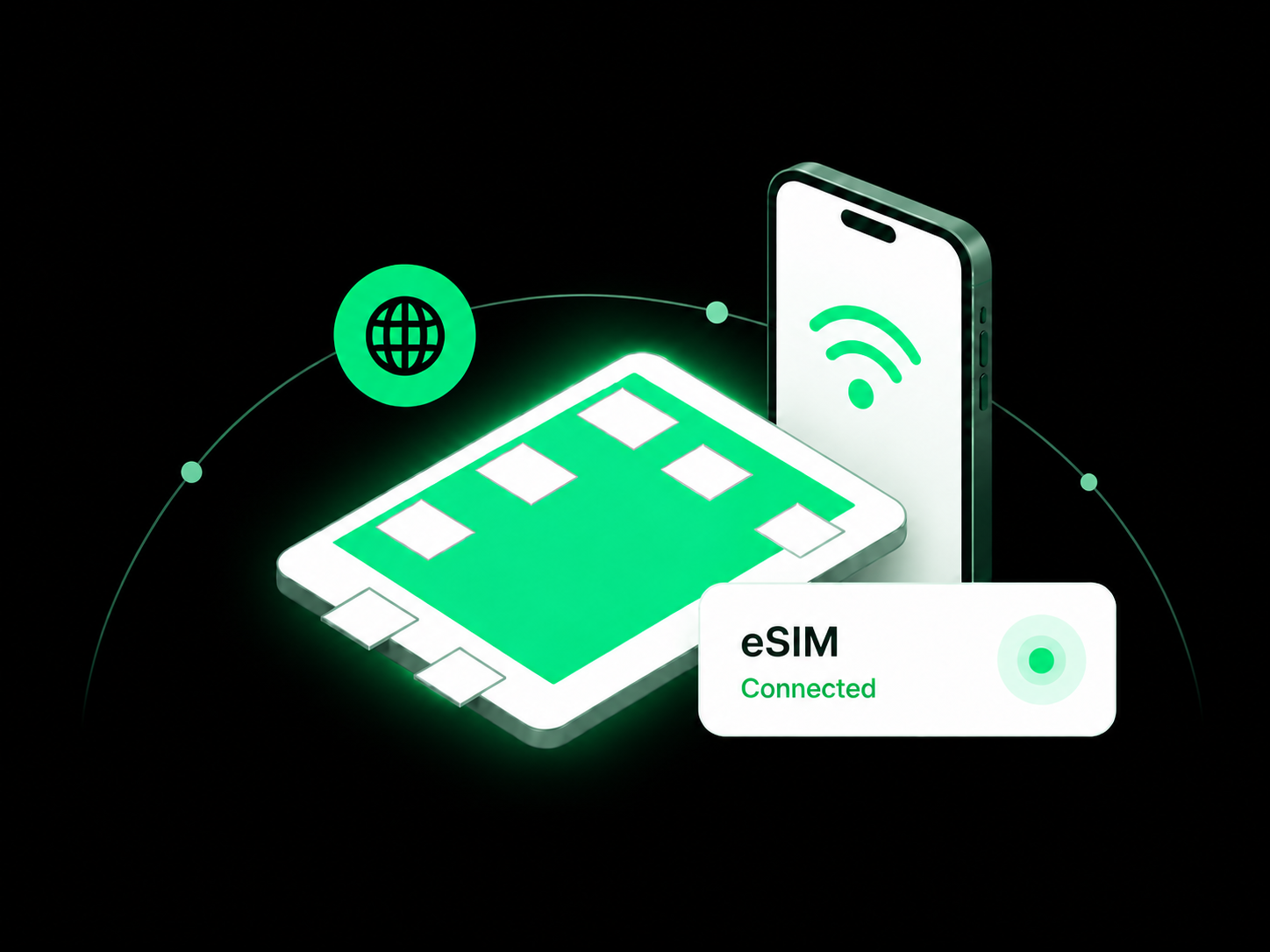
An eSIM is a digital SIM. As a result, it lets you add a mobile plan to a compatible phone without inserting a physical card.
eSIM means “embedded SIM.” In other words, the technology is built into your phone. You download a digital profile, then choose the line you want to use in Settings.
Your eSIM connects your phone to a service. Meanwhile, your plan sets the included data, destinations and duration.
Before choosing a travel plan, check that your phone supports eSIM and is unlocked for the service you want.
Scan a QR code, use an installation link, or enter the details supplied with your plan. As a result, no physical card is needed.
Choose your country or region, then compare coverage, data and duration.
After installation and activation, select the travel line for mobile data. However, you’ll need a supported network and a local signal.
FROM YOUR PLAN TO YOUR PHONE
In short, your downloaded profile lets a mobile network recognize your plan. Once the line is active, your phone can connect to a supported network.
Getting started comes down to three simple steps.
First, check your exact phone model and regional version. Next, make sure it is unlocked, then review your destination’s coverage and included data.
Next, connect to reliable Wi-Fi or another internet connection. Then follow the instructions supplied with your plan and keep your installation details private.
First, give the line a recognizable name and select it for mobile data. Also, follow its roaming instructions, and keep data roaming off on your home line.
Check when your plan starts. Installation and activation can be separate steps. For example, validity may start on installation, manual activation or connection to a supported network.
YOUR NEXT CONNECTION STARTS HERE
Choose a country or region, then compare fixed-data and unlimited plans for your next journey.
Explore a 1 GB, one-day trial. Eligibility and trial terms apply.
A plan for your itinerary. Check coverage, validity and daily high-speed allowances before choosing.
SAME PURPOSE. A DIFFERENT SETUP.
Both connect your phone to mobile service. The main difference is how you install and manage them. However, speed and coverage depend on the plan and network.
Swipe across to compare both options.
| What matters | eSIM | Physical SIM |
|---|---|---|
| Getting started | Download a supported digital profile. | Insert a compatible card into a SIM tray. |
| Travel preparation | Often available to arrange online before departure. | Requires access to the card before you can insert it. |
| Device support | Requires an eSIM-compatible model and service. | Requires the right tray, card size and service. |
| Keeping your home line | Possible on supported dual-SIM configurations. | Depends on available SIM slots and dual-SIM support. |
| Moving to another phone | Transfer or reinstallation depends on the provider. | A removable card can be moved between compatible devices. |
| Speed and coverage | Depend on the plan, networks, device and location. | Depend on the plan, networks, device and location. |

MADE FOR THE WAY YOU TRAVEL
Compare plans before departure, so you’re ready to use maps, messages and transport apps when you arrive.
On a compatible dual-SIM phone, your travel line can supply data while your usual line stays available. However, your home carrier may still charge for calls and texts.
Choose a country plan for one stop or a regional plan for several. For this reason, check the included country list before buying.
Instead, download your travel connection without carrying another SIM card. Also, keep your phone charged and your account details accessible.

LESS TO ARRANGE. MORE TO EXPLORE.
Find Teliny country and regional plans for maps, messages and the moments you want to share.
Check device compatibility, destination coverage and activation rules before choosing. Trial eligibility and plan terms apply.
Fixed data: A set allowance, such as 3 GB, for your trip. For example, maps and messages usually use less data than streaming, video calls and cloud backups.
Unlimited data: Check the daily high-speed allowance, reduced speeds, hotspot limits and fair usage policy before choosing.
Likewise, match the validity period to your trip. Also, check when it starts, when unused data expires, and whether you can top up.
Similarly, compare the total cost, coverage, data and duration. Finally, confirm your selected package and currency before checkout.
In contrast, data-only plans provide internet access. You can use supported messaging and calling apps, but regular calls, SMS and a phone number may not be included.
Compare Teliny travel plans, read the fair usage policy, or explore the free eSIM trial.
Check the current offer, eligibility and installation instructions for your chosen plan.
A QUICK CHECK BEFORE YOU GO
GOOD TO KNOW BEFORE YOUR FIRST CONNECTION
Clear answers to help you choose and use your next travel connection.
First, you need internet access to download the profile. After activation, your plan uses a supported mobile network, so Wi-Fi is no longer required.
Adding a travel line does not automatically change your WhatsApp account or delete your phone’s contacts. Therefore, keep your existing messaging number unless you want to change it.
Yes, on supported dual-SIM phones. First, check your exact model, then choose which line handles mobile data, calls and messages.
Not by itself. Instead, speed depends on your plan, network, signal and phone. Also, check 4G or 5G availability and any speed limits.
Some plans do. However, data-only travel plans may not include a number, calls or SMS. Therefore, check the package details before buying.
Yes, if your phone and plan allow hotspot sharing. However, your laptop uses the same data allowance, and extra limits may apply.
Often, yes. Check whether installation, activation or connection to a supported network starts your validity period.
For example, service may stop when your data or validity ends. Next, check whether you can top up or buy another plan; renewal and profile reuse vary.
It depends on your device and plan. For this reason, contact support before deleting your profile or scanning its code again.
Keep your eSIM installed and check coverage, validity and setup instructions. Visit the Teliny Help Centre if you need help. Also, keep activation codes and passwords private.
YOUR NEXT TRIP, SIMPLIFIED
Choose where you are going, compare the details, and pick the travel data that fits your journey.


